
Part Requests
Within a Work Order’s Add Part function, the Part Request option can be selected to indicate that a specific part is required for the Work Order.
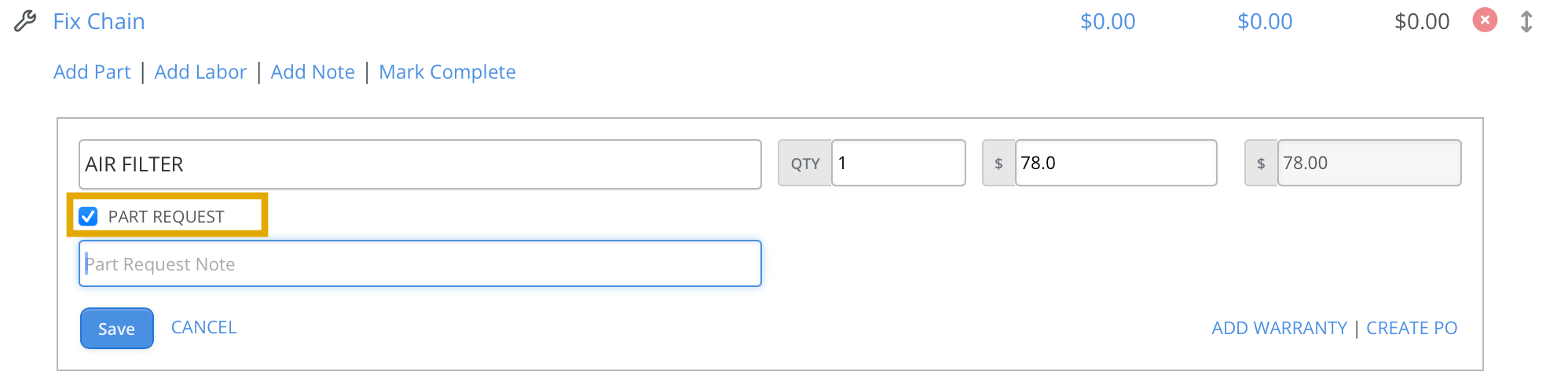
The part can either be specified by name or left blank with a description provided instead.
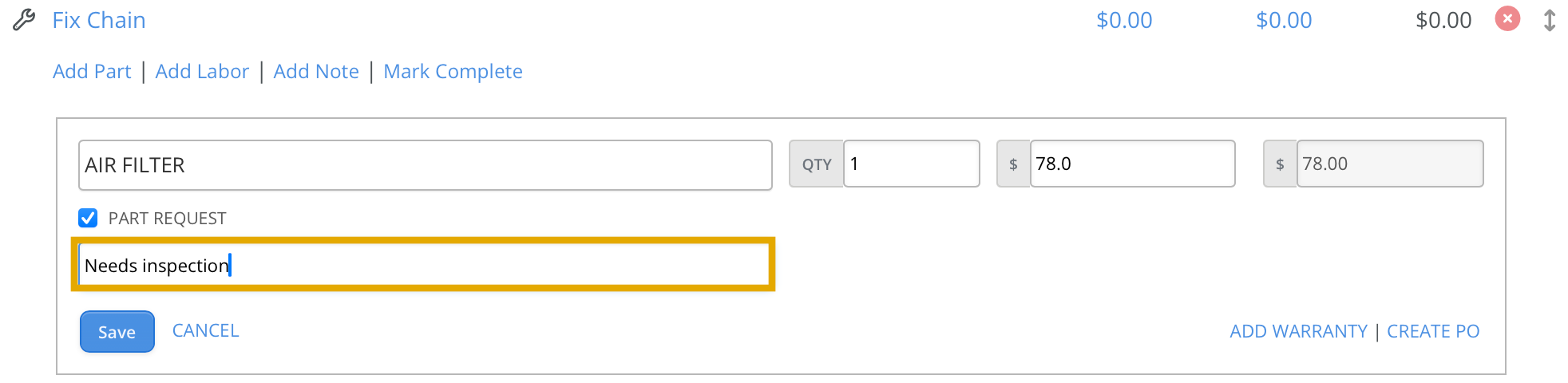
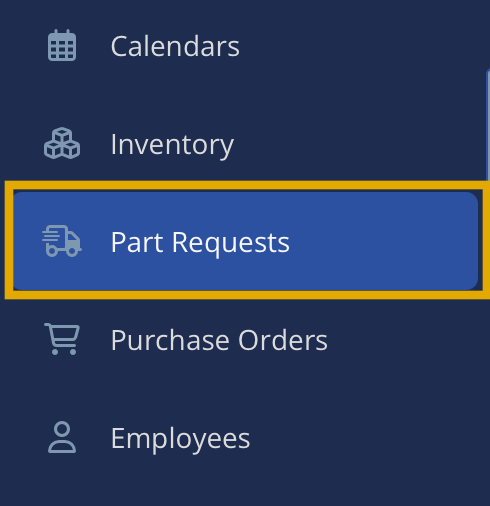
Upon saving this entry, a new part request will be shown in the Part Request Tab.

Clicking on a part request will display the following screen:

- Part: Lookup an existing part or add a new part.
- PO: Assign the part to an existing Purchase Order (optional).
- Vendor: Specify the vendor.
- Date Required: Indicate the required date for the part.
- Each: Enter the price for the part.
- QTY Ordered: Enter the quantity of the part ordered.
- QTY Received: Enter the quantity of the part received.
In this example, the existing part XYZ Alternator was selected, added to Purchase Order 1002, and the unit price was set to $150.

The Work Order is updated to display the part name along with its current status.

Once the Purchase Order is received or closed, the Work Order will be updated accordingly.
